Last Updated on June 9, 2026 by Joy Kyalo
Skype officially shut down in May 2025, leaving millions of users searching for reliable alternatives for international calling, video meetings, and business communication. Whether you need a virtual phone number, VoIP calling, team collaboration tools, or a complete business phone system, several platforms now offer more advanced features than Skype.
Now that Microsoft has redirected Skype’s development to Teams, business owners have been left searching for alternative options to make calls worldwide. There is a rise in communication tools designed for business efficiency.
In this guide, we compare the best Skype alternatives for businesses and entrepreneurs, including Google Voice, BusinAssist, RingCentral, Grasshopper, and Vonage. We examine their features, pricing, advantages, disadvantages, and ideal use cases to help you choose the right solution.
Quick Answer: What Are the Best Skype Alternatives?
The best Skype alternatives for businesses in 2026 are Google Voice, BusinAssist, RingCentral, Grasshopper, and Vonage. These platforms offer VoIP calling, virtual phone numbers, video conferencing, call routing, and business communication features that replace Skype’s discontinued services.
Key Takeaways
- Skype officially shut down in 2025, requiring users to switch providers.
- Google Voice, BusinAssist, RingCentral, Grasshopper, and Vonage are top Skype alternatives.
- Modern VoIP platforms offer calling, messaging, and video conferencing features.
- The best Skype alternative depends on your budget and business needs.
Why Businesses Need Skype Alternatives in 2026
Following Microsoft’s decision to discontinue Skype in 2025, businesses and individuals have been actively searching for reliable Skype alternatives to maintain seamless communication. At the same time, the rise of remote and hybrid working has increased the demand for modern communication tools that support voice calls, video meetings, messaging, and team collaboration from anywhere in the world. Companies now require solutions that are easy to use, scalable, and capable of supporting growing business needs.

The adoption of VoIP technology has further transformed business communication by offering cost-effective calling, advanced call management features, and greater flexibility than traditional phone systems. Whether communicating with international clients, remote employees, or business partners, organisations need dependable platforms that provide high-quality calls and professional business features.
As a result, many businesses are moving towards cloud-based communication systems that offer more functionality, reliability, and long-term support than Skype.
| Provider | Best For | Starting Price | International Calling | Business Features |
|---|---|---|---|---|
| Google Voice | Google Workspace Users | $10/user/month | Yes | Voicemail, Call Routing |
| BusinAssist | UK & Ireland Businesses | £0.89/week | Yes | VoIP, Call Recording, SMS |
| RingCentral | Growing Businesses | Premium | Yes | Unified Communications |
| Grasshopper | Small Businesses | $14/month | Limited | Virtual Phone System |
| Vonage | Enterprise Communication | Custom Pricing | Yes | Advanced Call Management |
1. Google Voice
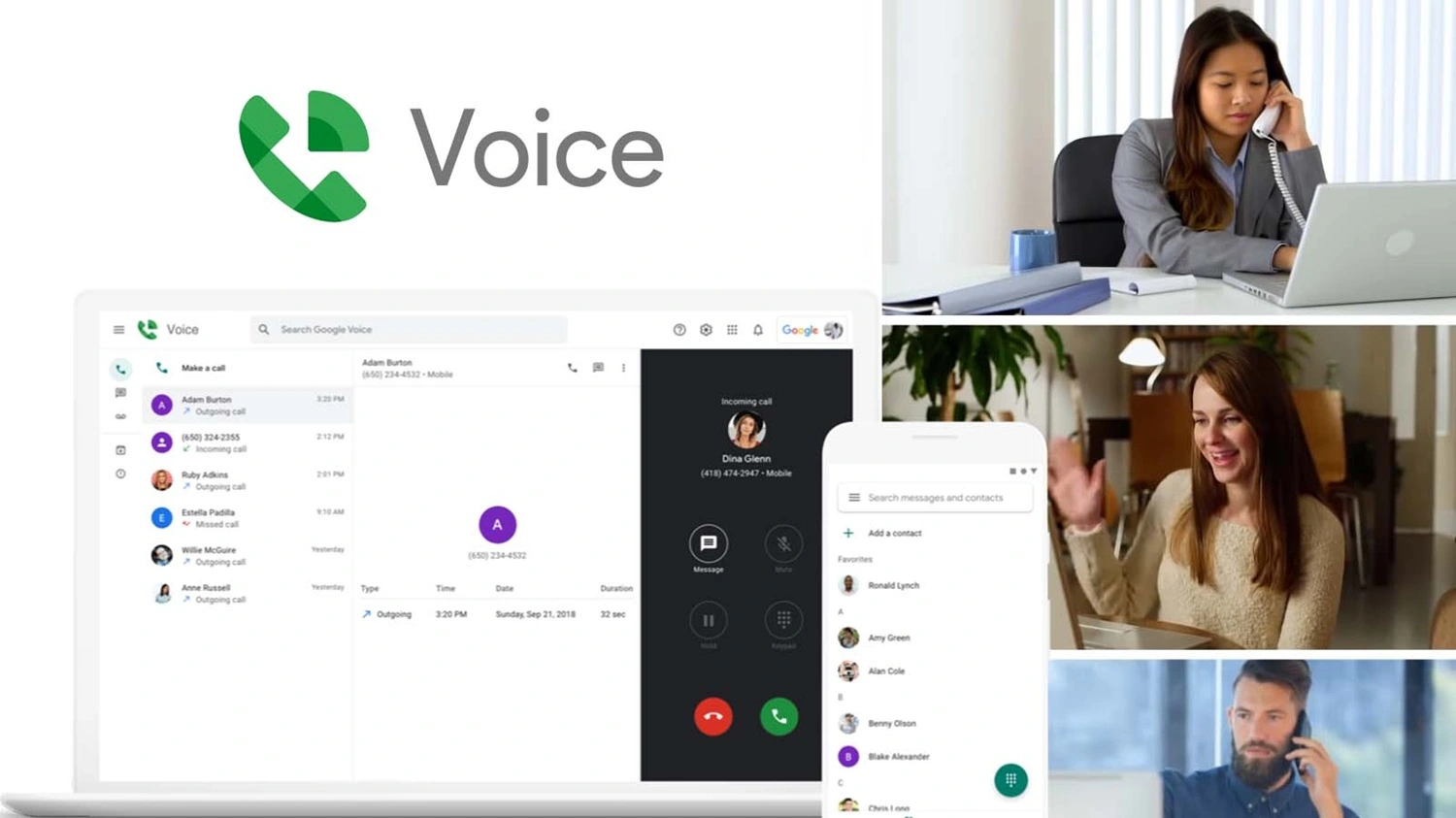
Google Voice is a free VoIP service; however, it offers free US numbers. The free consumer Google Voice is only available in the US, and other countries can only access the business version. Google Voice is the best alternative
Integrated with Google Workspace, making it fit for businesses using Gmail, Google Calendar, and Google Drive. Its key features include:
- Call forwarding and screening
- Integration with Google Calendar and Google Meet
- Voicemail transcription
- Single number uses multiple devices
They offer three packages starting at $10 per user/per month for up to 10 users with limited features (no auto-attendant and call distribution options), $20 per user/per month for unlimited domestic locations, and $30 per user/per month for unlimited domestic and international calling.
Pros of using Google Voice
- Easy setup
- Used from anywhere as long as it is connected to the internet connection
- Scales well as your business grows.
Cons of using Google Voice
- Limited in some countries. Google Voice is freely available in the US and Canada.
- Requires a Google Workspace account for functionality
- A few advanced call management tools
2. BusinAssist
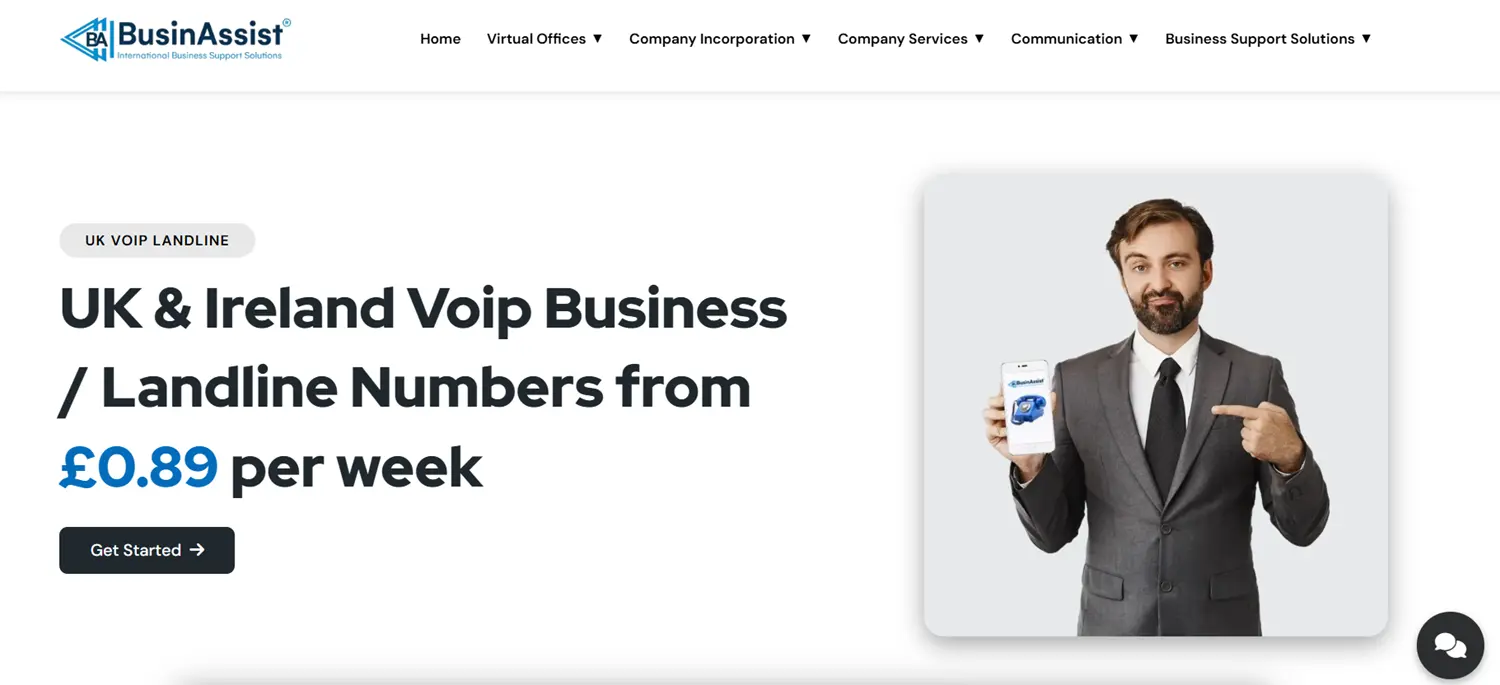
BusinAssist offers a UK VoIP landline number that allows you to call the UK or Ireland from anywhere in the world. The number ensures businesses registered in the UK and Ireland maintain local communication and do not incur international costs.
From as low as £0.89 per week, you can use BusinAssist’s services from our available App, which is available for both Android and iPhone users. By getting BusinAssist’s VoIP landline number, you will access several features, which include;
- Call recording
- Customisable voicemail
- Call routing
- Call queueing
- On-hold music and messages
- Call conferencing
Why BusinAssist is a good Skype alternative
- Simple setup – BusinAssist VoIP landline services do not require any hardware to set up. With an App, businesses can set up the number in a few minutes as long as there is a stable internet connection.
- Number porting – Business owners can port their existing number to BusinAssist for free.
- Text messaging included – A feature that was partially supported by Skype can be easily accessible in BuinAssist VoIP services.
- Make and receive calls on any device – apart from the mobile phone, business owners can use their computer or tablet for VoIP calls, ensuring they never miss a call.
3. RingCentral

RingCentral offers a cloud-based communication and collaboration platform that provides businesses with a suite of tools for messaging, video conferencing, phone systems, and more. It aims to streamline communication and boost productivity by offering a unified platform accessible from various devices.
The communication platforms come with various features, including:
- Video conferencing
- Direct messaging
- Task management
Why RingCentral is the best alternative to Skype
- Unified communication – RingCentral integrates various communications channels into a single platform.
- Team collaboration – The platform comes with team messaging that enhances collaboration since it is received in real-time.
- Integrates with multiple channels – The RingCentral platform integrates with multiple channels, like video, messaging, social media, and voice.
- Scalability – The platform can accommodate business needs as it expands.
Cons of RingCentral
- More expensive for startups
- Limited texting
- Customers’ conversations are isolated
4. Grasshopper
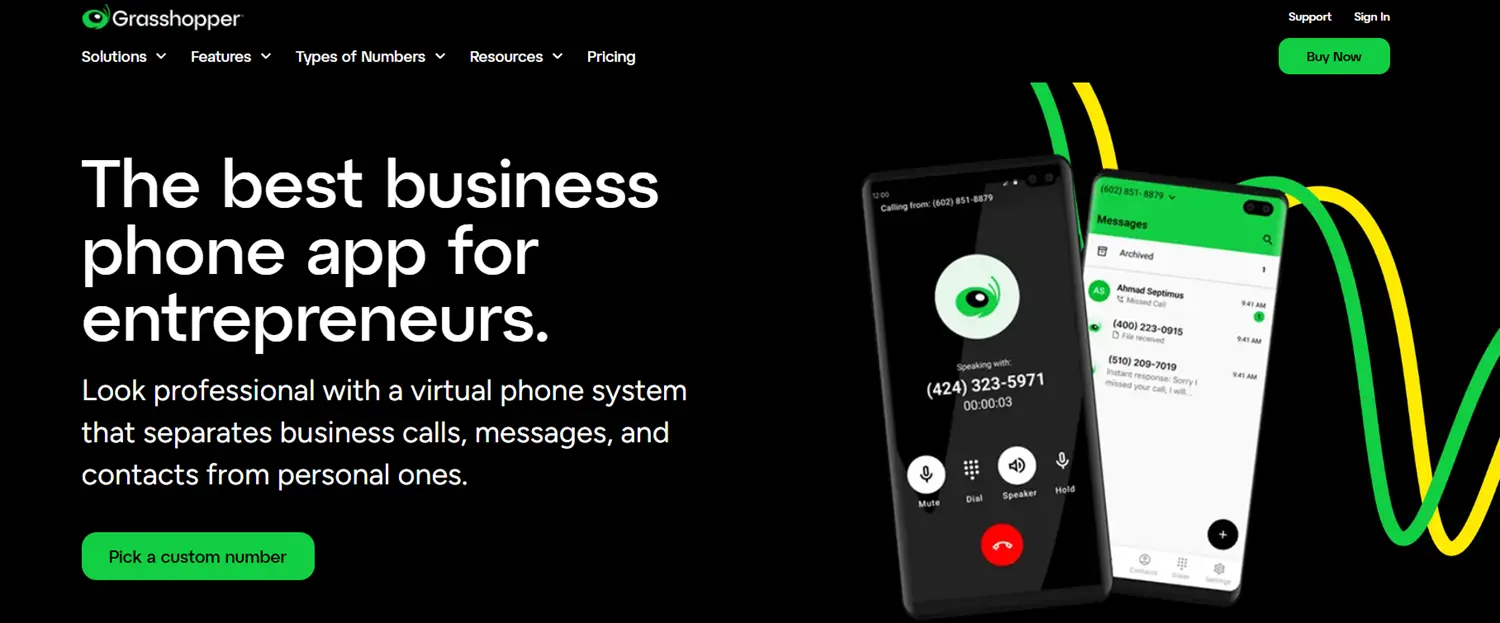
This is a virtual phone system that is ideal for small businesses. Starting from $14 a month, Grasshopper comes with features such as call forwarding, voicemail, and text messaging, all accessible through a single business number. They offer toll-free, vanity, and local numbers.
The features of Grasshopper include:
- Business call forwarding.
- Voicemail transcriptions.
- Business hour routing.
- Phone number extensions.
- Basic analytics and reporting.
- Hold music.
- Auto-attendant.
- Virtual fax.
Why Grasshopper is the best alternative to Skype
Unlimited voice calls in the US and Canada
Free seven-day trial
Cons of using Grasshopper
- Limited availability. Only available in the US and Canada
- Only integrates with Google Voice
- Issues with international calls
5. Vonage

Vonage is a strong alternative to Skype, particularly for businesses, offering a comprehensive VoIP and UCaaS (Unified Communications as a Service) solution. It provides reliable voice and video calls, instant messaging, and a suite of business-focused features like call recording and virtual receptionists. Vonage’s customizable plans and integrations with other business tools make it a versatile option for streamlining communication.
Features that businesses benefit from Vonage
Call management tools.
Integration with business tools like Salesforce, HubSpot, and Slack.
Why choose Vonage as Skype’s alternative
Call quality and reliability – Offers the best call quality than Skype, especially for long-distance calls.
Business-focused features – The features that come with Vonage are business-focused, unlike those of Skype, which were consumer-focused.
Cons of Vonage
- Limited integration with essential third-party tools
- Frequent App freezing disrupts business communication
- Unreliable call features such as call forwarding
How to Choose the Right Skype Alternative
When choosing a Skype alternative, start by considering your budget and the features your business needs. Some providers focus on affordable calling solutions, while others offer advanced tools such as video conferencing, team messaging, and call management features. If your business communicates with international clients or partners, it is important to compare international calling options and pricing.
You should also think about your team size and whether the platform can grow with your business. Many communication providers offer integrations with CRM systems and productivity tools, helping teams work more efficiently. For businesses moving away from Skype, checking whether a provider supports number porting can help ensure a smooth transition without changing existing phone numbers.
Our Verdict:
Google Voice is ideal for Google Workspace users, BusinAssist is best for UK businesses, RingCentral suits growing teams, Grasshopper works well for small businesses, and Vonage is suitable for larger organisations requiring advanced communication features.
Conclusion:
In conclusion, various Skype alternatives that businesses can use to communicate with their clients and partners. There is not a single best option; the right choice depends on your business needs and priorities.
Switching from Skype number is a straightforward process, but with the right provider. BusinAssist offers UK VoIP landline number services that cater to every business’s needs, whether small or big. No matter which provider you were using, BusinAssist offers free porting, which seamlessly transitions your business to our features.
For more information on VoIP landline numbers, contact us at info@businassist.com.
FAQs
Q: What can I use instead of Skype?
Ans: Instead of Skype, businesses can use VoIP services, which come with advanced features, better call quality, and affordable international calling.
Q: How to delete a Skype account?
Ans: To delete your Skype account, you should sign in to your account and access settings by clicking on your profile picture. Once in the settings, navigate to the “Account & Profile” and find the “Close your account” option. You will be redirected to the Microsoft account closure page to verify and choose the reason for closing the account.
Q: How to migrate from Skype to Teams?
Ans: To migrate from Skype to Microsoft Teams, download and install Teams, then sign in with your Skype credentials. Upon signing in, your Skype chats and contacts should automatically appear in Teams. You can continue using both Skype and Teams side-by-side for a while.
Q: Can I transfer my Skype number to another provider?
Ans: You can transfer your Skype number to another provider in a process known as porting. Choose a service provider that supports number porting, then initiate the transfer.
Q: Can I delete a Skype account without deleting a Microsoft account?
Ans: To delete a Skype account, one must delete the Microsoft account associated with it.
Q: Can I transfer Skype credit to another account?
Ans: Skype credit can only be sent to individuals with a Skype account.
Read Also:
- Best Virtual Phone Number Providers in the UK: Top Choices for 2026
- Is It Legal to Record Phone Calls UK: A Guide for Businesses & Individuals
- Google Voice Alternative UK: Why BusinAssist Is the Smarter Choice
- What is Call Forwarding? A Complete Guide to How It Works
- UK Phone Number Format: A Complete Guide for Businesses
- 0207 Numbers and 0203: A Detailed Guide and Difference

Joy is a content writer at BusinAssist with 6+ years of experience in content marketing and social media strategy. She specialises in company formation and virtual operations, guiding entrepreneurs through global markets with clarity, drawing on her marketing and PR background. Business Assist with BusinAssist – your business success partner.